
 NDT · Concrete
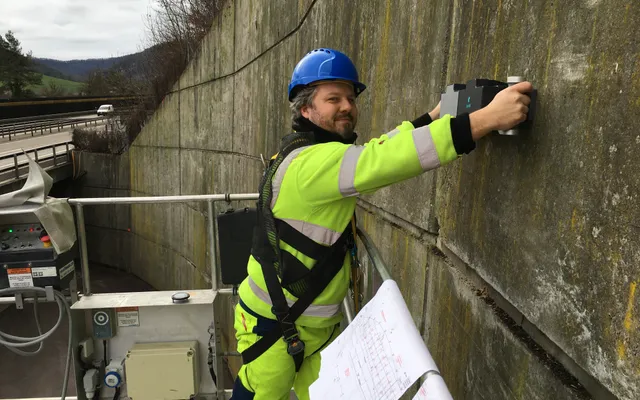
Non-destructive testing of a concrete retaining wall
The images resolve the backwall, counterforts, and anchor features, and reveal two anomalies consistent with reinforcement.
Read the Case StudyProducts / W-Scan
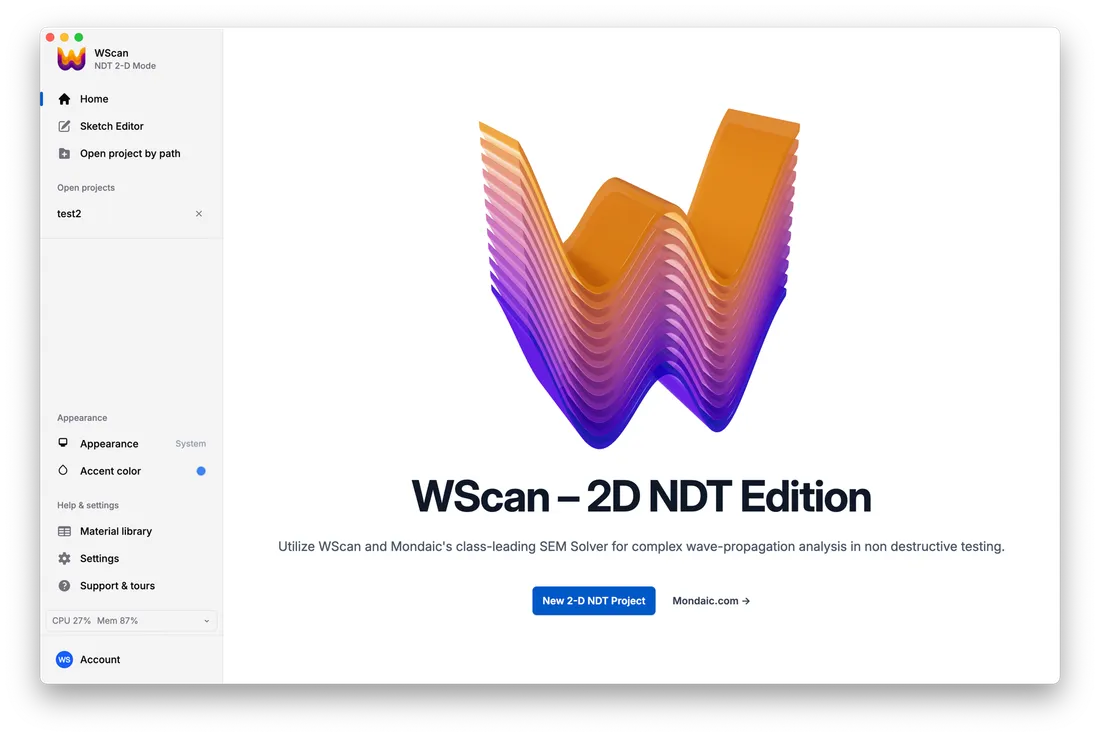
W-Scan is a UI and workflow add-on to Salvus for non-destructive testing. It brings transducers, inspection instruments, NDT meshing, and inspection workflows into a graphical application, so you can work without code.
W-Scan is a UI and workflow add-on to Salvus. Salvus provides the simulation engine; W-Scan adds the NDT tools and inspection workflows on top, and makes them available in two ways:
Single transducers, probes, and phased arrays in 2-D and 3-D, with source time functions, orientation, and an instrument library.
Reads measured data from various devices and puts each measurement at its correct position on the specimen.
Makes meshes for specimens, ducts, rebar, defects, and composite materials.
Beamforming, total focusing method (TFM), synthetic aperture focusing technique (SAFT) with fusion of several scans, localization, instrument calibration, and amplitude-decay maps.
Define your inspection using material and specimen libraries.
Geometry, materials, meshing, and signal processing for fiber-reinforced composites.
Calibrate the instrument and estimate the background velocity.
Use FWI to calibrate a 3-D digital twin and find structures such as the backwall and ducts.
Simulate scenarios, for example grouted and voided, compare them with the measurements, and get a score for each scenario.
Models the frequency response of grouted and voided ducts and adds it to the same digital twin.
Plans sensor positions with reciprocal simulations and finds where sources are.
Work with ultrasonic measurements to investigate internal features and compare scenarios such as grouted and ungrouted tendon ducts.
Explore Concrete WorkflowsUse simulated inspection data to explore variations in geometry, defects, and acquisition settings for training and validation datasets.
Explore W-Scan for AIDraw geometry, assign materials, mesh it and start simulations. An optional AI assistant makes editable CAD geometry from a text description.
A short workflow: import data, run the inspection, and read the result as a traffic-light score for each scan position.
Generate reports in your corporate design.
Use a desktop installation or a server with multi-user access.
Projects, simulations and a simulation monitor, a data viewer for A-scans, SAFT and volumes, inversions and events.
These studies show the simulation and inversion methods behind our concrete inspection workflows, together with their validation conditions.
NDT · Concrete The images resolve the backwall, counterforts, and anchor features, and reveal two anomalies consistent with reinforcement.
Read the Case Study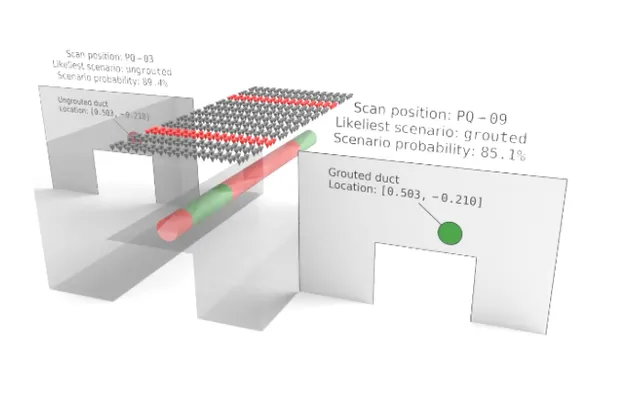 NDT · Concrete
The scenario comparison distinguishes the known grouted and ungrouted conditions at the two analyzed positions.
Read the Case StudyLet's Work Together
Tell us about your inspection, instrument, and desired output. We will help identify the workflow and arrange a demonstration.